Agent Experience Is Bigger Than Developer Experience
More tokens, more context, and more connectors do not automatically create better AI products. Agent experience borrows from user experience and developer experience, but agents need a working environment for every kind of operational task.
- Agent Experience
- AI Agents
- Product Engineering
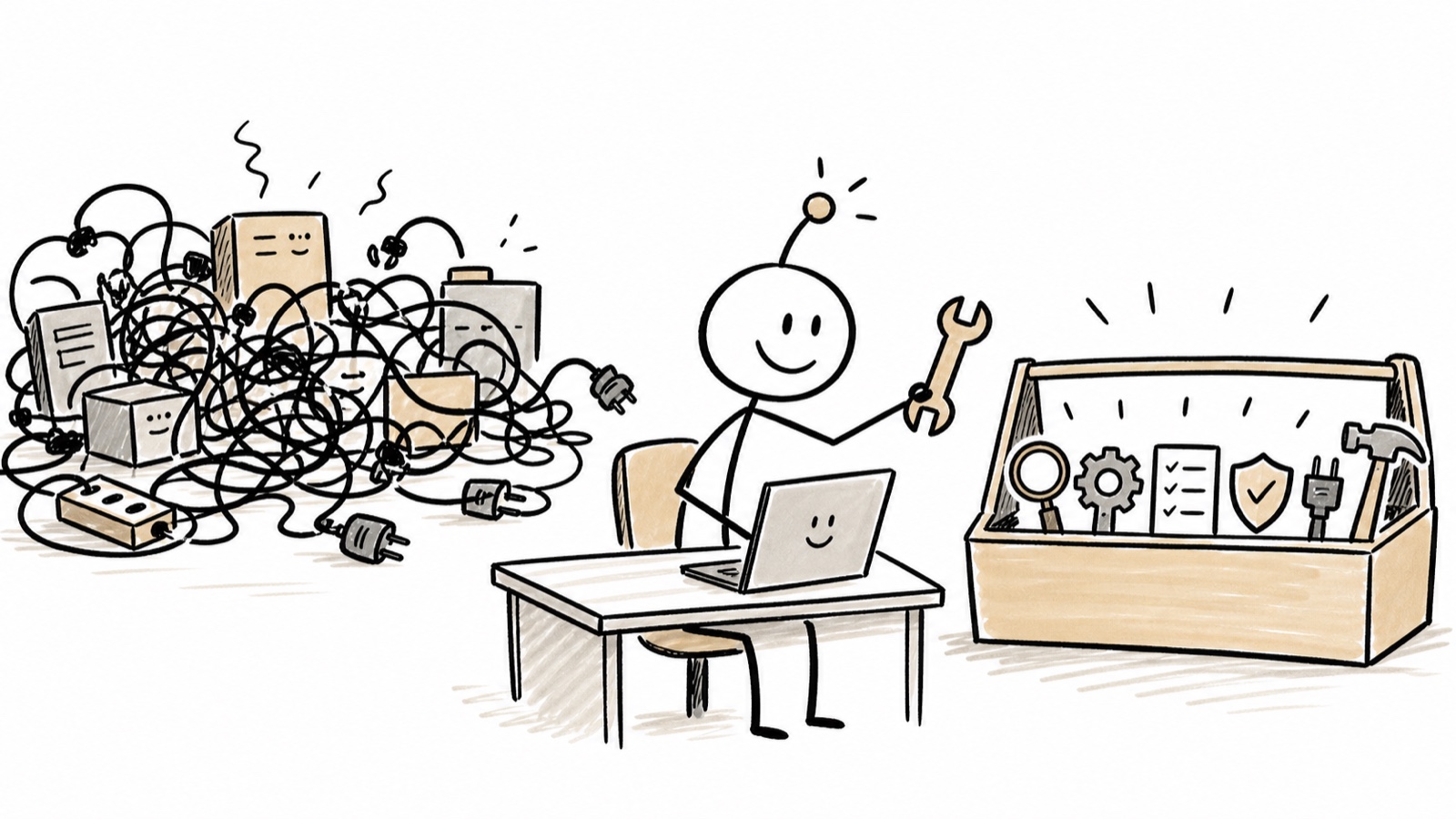
Everyone is building AI now.
Everyone is stretching context windows, connecting tools, expanding prompts, and trying to give agents more room to think. That work matters. Bigger context and better model access can remove real constraints.
But more tokens do not automatically become more value.
A model with a huge context window can still fail inside a poor working environment. An agent connected to every system can still be confused, unsafe, slow, or hard to trust. Token maxing is not the same thing as product quality.
The next leverage point is agent experience.
Agent experience is the quality of the working environment we design for an AI agent: the tools it can use, the context it receives, the state it can rely on, the feedback it gets when something fails, and the boundaries that shape what it should do next.
The comparison to developer experience is useful, but incomplete.
Developer experience made software teams better by improving APIs, SDKs, docs, CLIs, examples, error messages, logs, and local workflows. DX was not decoration. It changed what teams could ship.
But agents are not only developers.
They investigate support cases, reconcile orders, draft emails, compare vendors, update records, run checks, summarize research, watch dashboards, write code, and coordinate workflows. They do not sit inside one professional identity. They move across product, operations, support, engineering, finance, commerce, and administration.
So agent experience cannot be a copy of developer experience.
It has to borrow from both user experience and developer experience, then add a new layer for autonomous and semi-autonomous work.
UX, DX, and AX
User experience asks whether a human can understand, trust, and use a product.
Developer experience asks whether a developer can build, integrate, debug, and extend a system.
Agent experience asks whether an agent can understand the task, find the right context, choose the right tool, act inside the right boundary, recover from failure, and explain what happened.
All three matter, but they are not the same discipline.
UX asks practical questions:
- Is the product legible?
- Is the right action obvious?
- Does the user trust what will happen next?
- Can the user recover from a mistake?
DX asks practical questions:
- Is the right action discoverable?
- Is the happy path obvious?
- Does the error explain what to fix?
- Are dangerous actions guarded?
- Can the user inspect what happened?
- Can the workflow recover from partial failure?
AX adds a different set of questions:
- Does the agent know what job it is performing?
- Does the context contain the right state, not just more text?
- Are tool choices narrow enough to reduce guesswork?
- Are permissions and side effects explicit?
- Do errors tell the agent what to do next?
- Can a human audit the agent’s reasoning and actions later?
The agent is not a human user. It is not a human developer. It does not have the same memory, judgment, social context, or common sense. But it is still operating inside a product environment we control.
If that environment is sloppy, the model has to compensate with guesswork.
If that environment is well designed, the model can spend less effort interpreting plumbing and more effort doing useful work.
Thesis
UX, DX, and AX Are Different Product Surfaces
More context can help, but the experience layer determines whether the agent can turn access into product value across many kinds of work.That is the shift I want more teams to talk about.
We should not only ask how much the model can see. We should ask how well the product helps the agent do the right thing.
Connection Is Not Capability
The easiest way to make an agent look powerful is to connect it to everything.
Give it a protocol. Give it a registry. Give it access to docs, tickets, calendars, databases, repositories, dashboards, and workflow systems. Let it discover tools at runtime. Let it defer tool loading until the task seems relevant.
That can be useful plumbing.
It is not agent experience.
MCP and similar integration layers solve a real problem: they make tools easier to expose, discover, and compose.
But access is not the same as affordance.
When we connect an agent to a broad API, we have not automatically given it a good tool. We may have given it a maze. The agent now has to infer which operation matters, what the business meaning is, which parameters are safe, what failure means, and when to stop.
That is not intelligence. That is poor interface design.
Humans also struggle with tools that expose implementation detail instead of intent. We do not hand a support operator raw database tables and call it a workflow. We build screens, actions, guardrails, previews, confirmations, defaults, and undo paths.
Agents deserve the same care.
Better Tools Are Narrower Than APIs
An agent-facing tool should usually be smaller than the system it wraps.
Instead of exposing “Jira,” expose “find open incidents for this customer.” Instead of exposing “database query,” expose “check whether this order is eligible for refund.” Instead of exposing “send email,” expose “draft customer update for review.”
The best tools carry product intent in their contract.
A good agent tool says:
- What job it performs
- What inputs it accepts
- What assumptions it makes
- What permissions it enforces
- What output shape it guarantees
- What errors mean
- What the agent should do next
Bad Surface
Raw Refund API Exposed to the Agent
This looks powerful because the agent can access everything. In practice, it forces the agent to reason over implementation details.This is the surface I want teams to be suspicious of. It makes the integration feel complete, but it pushes product judgment, permissions, side effects, and recovery into the model’s guesswork.
Concrete Example
Tool: Check Refund Eligibility
A narrow tool an agent can use before it drafts a customer refund response.This is the difference between a backend API and an agent tool. The agent does not get “access to refunds.” It gets one small capability with a clear job, safe boundaries, useful errors, and an output it can reason about.
That last part matters. Agents work better when tools explain the next move. A vague failure like “400 Bad Request” creates guesswork. A useful failure says, “This customer has no active subscription. Ask for an account email or stop the refund workflow.”
Tool design is instruction design.
Tool Abundance Creates Decision Debt
Giving an agent many tools feels like giving it more power. Often it gives the system more ways to be confused.
Every tool adds decision debt:
- When should the agent use it?
- When should it avoid it?
- How does it compare with similar tools?
- What data does it reveal?
- What side effects can it create?
- How do we evaluate correct use?
If the answer is “the model will figure it out,” the system boundary is too loose.
Senior AI engineering is not just connecting more tools. It is deciding which tools should exist, what they mean, and how the agent should reason about them.
The useful move is usually curation:
- Fewer tools with clearer names
- Task-specific tools over generic APIs
- Read-only tools before write tools
- Structured outputs over prose blobs
- Explicit risk levels for side effects
- Confirmation paths for irreversible actions
An agent with ten excellent tools will often outperform an agent with a hundred ambiguous ones.
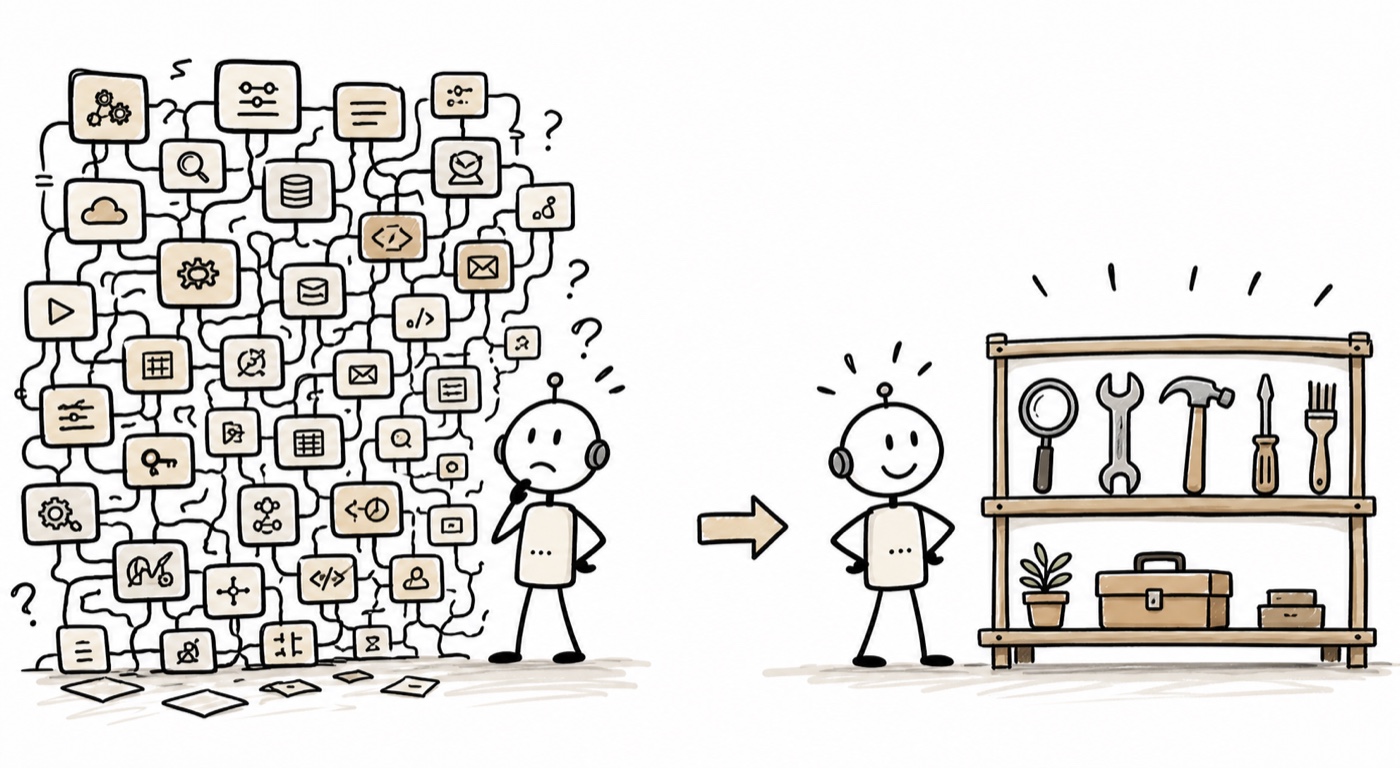
The agent does not need every connector in the building. It needs the few tools that make the next decision obvious.
Deferred Loading Does Not Fix Bad Tool Design
Deferred tool loading can reduce context pressure. It can keep the agent from seeing every possible tool at once. It can make large tool ecosystems more manageable.
But deferral changes when a tool appears, not whether the tool is good.
If the underlying tool is ambiguous, overbroad, poorly named, under-documented, or dangerous, loading it later only delays the problem. The agent still has to interpret a weak contract at the moment of action.
The deeper question is not, “Can the agent discover this tool?”
The deeper question is, “Can the agent understand the job this tool performs, use it safely, recover from failure, and explain what happened?”
That is agent experience.
Design for Intent, State, and Recovery
Agent tools should be designed around the workflow, not the backend system.
For each tool, I want to know three things.
First: what intent does this tool serve?
The tool name and description should reflect the agent’s goal, not the internal service boundary. “createRefundAssessment” is better than “callPaymentsV2.” It tells the agent what kind of reasoning belongs before and after the call.
Second: what state does this tool require and produce?
Agents need stable handles. If a tool returns ten similar records with weak identifiers, the next step becomes fragile. Outputs should include the evidence needed to continue: IDs, timestamps, confidence, policy flags, links, and human-readable summaries.
Third: how does the agent recover?
Every production tool should describe recoverable failures. Missing permission, stale data, duplicate records, validation errors, rate limits, and partial success should not collapse into generic exceptions.
Recovery is part of the interface.
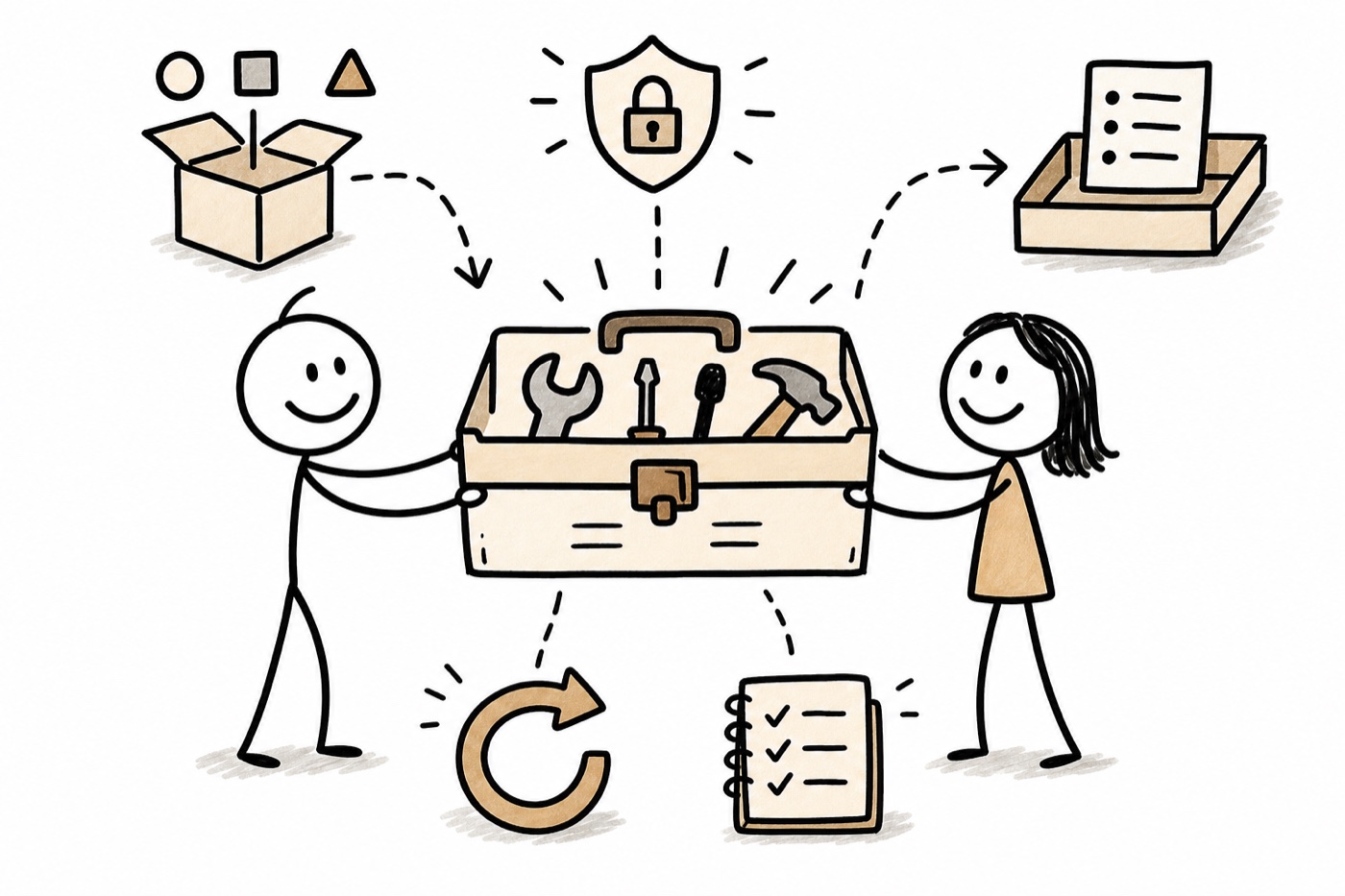
A good agent-facing tool is not just callable. It carries intent, safety, state, and recovery in the contract.
Make Tool Quality Observable
If tools are the agent’s environment, tool quality needs observability.
I want dashboards and evals that show:
- Which tools are called most often
- Which tools are avoided even when they should be used
- Which tools produce retries
- Which errors cause agent loops
- Which outputs lead to bad final answers
- Which tools increase latency or cost
- Which tool descriptions correlate with misuse
This is where agent experience becomes an engineering discipline.
You cannot improve what you cannot see. If the agent keeps making bad decisions, the cause may not be the model. It may be that the environment gives the model weak affordances.
Treat Agents as Operators
The best mental model I have found is to treat the agent like a new kind of operator.
Not a human operator. Not a service account. Something in between.
An operator needs:
- A clear job
- A small set of reliable tools
- Context at the moment of work
- Permission boundaries
- Feedback when something fails
- A way to ask for help
- A log of what happened
That framing moves the team away from “how many integrations can we attach?” and toward “what operating environment would make this agent competent?”
That is a healthier question.
The Better Architecture
I am not arguing against bigger context windows, better models, MCP, or tool protocols. They are useful foundations.
I am arguing against confusing availability with usefulness.
The better architecture has two layers:
- A connection layer that makes tools discoverable and callable.
- An experience layer that makes tools understandable, safe, and effective.
Most of the value is in the second layer.
That layer includes naming, schemas, permission checks, scoped capabilities, examples, evals, observability, confirmations, recovery semantics, and product judgment about what should not be a tool at all.
The future of agents will not be won by connecting everything or by stuffing every possible fact into the prompt.
It will be won by designing the working environment so well that agents can do the right thing with less guesswork.
That is agent experience.